


Manage trip
Make changes to your trip up to two hours before your flight











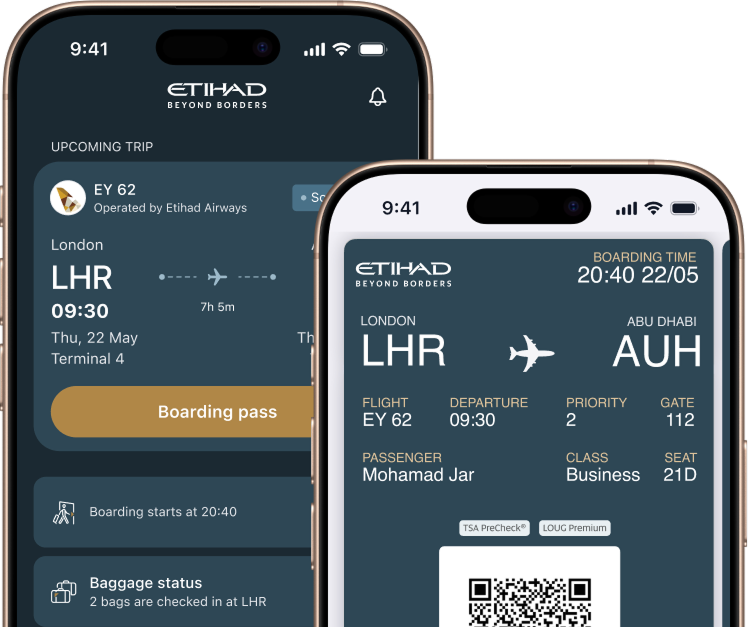
The easiest way to view your bookings or make changes to an upcoming flight is at etihad.com/manage. From there, you can update your contact details, book extras like bags and seats, check in, download your boarding pass and make additional requests for things like meals and assistance.
If you booked through a travel agent, you’ll need to speak to them directly to make changes.
Changes and cancellations are subject to the fare you’ve purchased. Some of our fares offer free and flexible changes, so always check before you book.
- The quickest way to change your trip is to visit etihad.com/manage
- A fee may apply to change or cancel your flight, depending on the route and fare that you’ve booked
- If you've booked multiple fares, the most restrictive fare rule will apply
- You will not be charged a change or refund fee in the unfortunate event of the death of a guest or an immediate family member (official documentation is required)
- Subject to the fare you’ve purchased, you can make changes or request a refund until the scheduled departure time of your flight. After that, a no-show fee may apply
You’ll be notified via email. You should also receive a notification via the Etihad app if you have it installed, and notifications are turned on You can check alternate flight options and confirm changes via Manage My Trip.